How I Replaced the Deprecated git-up Gem With a Native Git Alias
Jun 16, 2026
Introduction
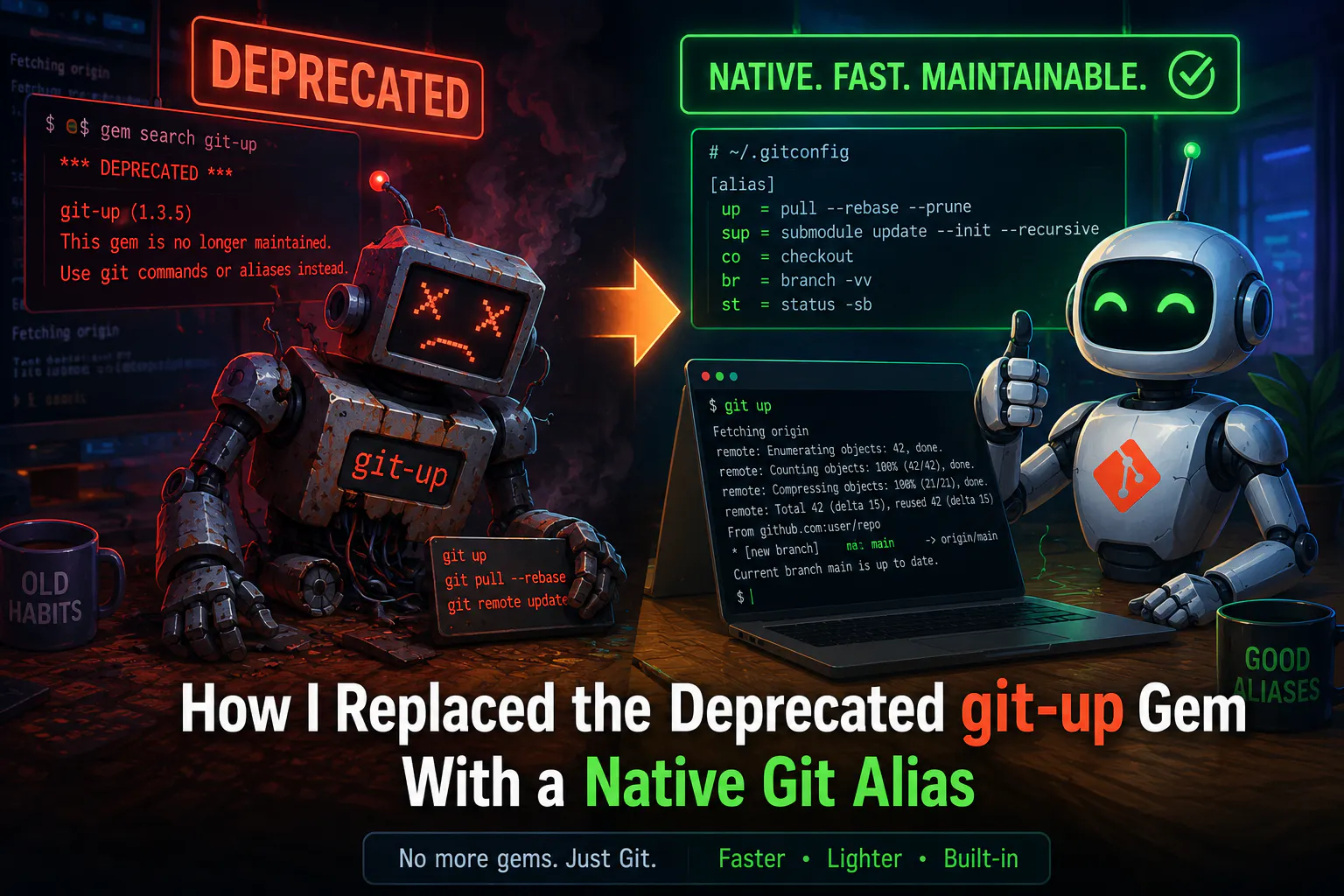
When you work across several feature branches at once, keeping them all in sync with the remote is a small but constant chore. For years my answer was git-up — a tidy little Ruby gem that fetches and rebases every locally-tracked branch in one command. Then I went to set it up on a fresh machine and remembered: the gem is deprecated, and has been for a while. So what do you reach for when the tool you relied on is gone, but the problem it solved is still there?
The Problem
git pull has two long-standing annoyances that git-up originally existed to fix:
- It merges upstream changes by default, leaving your history full of noisy merge commits instead of a clean rebase.
- It only updates the branch you're currently on. So the moment you switch back to master, it's stale — and git push starts complaining about branches you weren't even thinking about.
The gem's own author says it best in the README: as of Git 2.0 and 2.9, the core of what git-up did is now built into git itself. git pull --rebase --autostash covers the single-branch case completely. Installing a Ruby gem (and carrying a Ruby dependency) just for this no longer makes sense.
But there was one part I genuinely missed: updating the branches I'm not on. Specifically, I want my local master to be current the instant I switch to it — without leaving my feature branch to go fetch it.
The Solution: One Alias That Does It All
Instead of a gem, I now define git up as a git alias. It fetches once, rebases the branch I'm on, and fast-forwards every other branch that can be fast-forwarded — master included — all without a single checkout.
git config --global alias.up '!f() {
  git fetch origin --prune
  cur=$(git symbolic-ref --short HEAD)
  git for-each-ref --format="%(refname:short) %(upstream:short)" refs/heads |
  while read b u; do
    [ -z "$u" ] && continue                                      # no upstream → skip
    git rev-parse --verify --quiet "$u" >/dev/null || continue   # upstream gone on origin → skip
    lb=$(git rev-parse "$b"); lu=$(git rev-parse "$u")
    [ "$lb" = "$lu" ] && continue                                # up to date → silent
    base=$(git merge-base "$b" "$u")
    [ "$base" = "$lu" ] && continue                              # ahead of upstream → silent
    if [ "$b" = "$cur" ]; then
      git pull --rebase --autostash >/dev/null 2>&1 && echo "↻ $b (rebased)"
    elif [ "$base" = "$lb" ]; then
      git fetch . "$u:$b" >/dev/null 2>&1 && echo "✓ $b"          # fast-forward, no checkout
    else
      echo "⚠ $b (diverged, skipped)"
    fi
  done
}; f'
In ~/.gitconfig this lands on a single line — that's just how git config stores it. The wrapped version above is only for reading.
What This Alias Does
- Fetches origin once with --prune, so deleted remote branches stop lingering as stale tracking refs.
- Walks every local branch and looks up its upstream.
- Skips the noise silently — branches with no upstream, branches whose remote was deleted, branches already up to date, and branches ahead of their upstream.
- Rebases the current branch with pull --rebase --autostash, exactly like the old single-branch git up.
- Fast-forwards the rest using git fetch . origin/<branch>:<branch> — a neat trick that moves a local branch up to its upstream without checking it out. This is what keeps master fresh while you stay on your feature branch.
- Reports diverged branches as ⚠ and leaves them untouched, because automatically rebasing a branch you're not watching is asking for trouble.
Important Notes
- The single most useful trick here is git fetch . origin/master:master. It only succeeds as a fast-forward — if the histories have diverged, git refuses the refspec. That refusal is a feature: it means the alias can never silently rewrite or clobber a branch.
- The reason the output stays short on a repo with hundreds of branches is one line: git rev-parse --verify --quiet "$u" || continue. It mirrors what the gem did internally — only act on branches whose origin/<branch> still exists. Without it, every old merged branch prints a "can't fast-forward" line and the result is unreadable.
- If you only ever care about the current branch, you don't need any of this. The minimal replacement is genuinely a one-liner:
- git config --global alias.up 'pull --rebase --autostash'
- Or make it the default for every pull:
- git config --global pull.rebase true git config --global rebase.autoStash true
Safety Considerations
- Diverged branches are never touched. They're reported and skipped — you decide when and how to rebase them.
- Fast-forward only for non-current branches. Because git fetch . src:dst rejects non-fast-forward updates, there's no way for the alias to lose commits on a branch you're not on.
- Autostash protects your work tree. If you run it with uncommitted changes, --autostash stashes them before the rebase and restores them after.
- It still only rebases the branch you have checked out, so the one operation that does rewrite history happens where you can see it.
Conclusion
Sometimes a deprecated tool is a gift: it nudges you to find out the problem was already solved by something you already have. git-up was great, but everything it did for me now lives in three lines of git config — no Ruby, no gem, no dependency to keep alive. If you've been keeping the gem around out of habit, drop it, paste the alias, and let git up keep your whole local repo — master and all — fresh from a single command.